


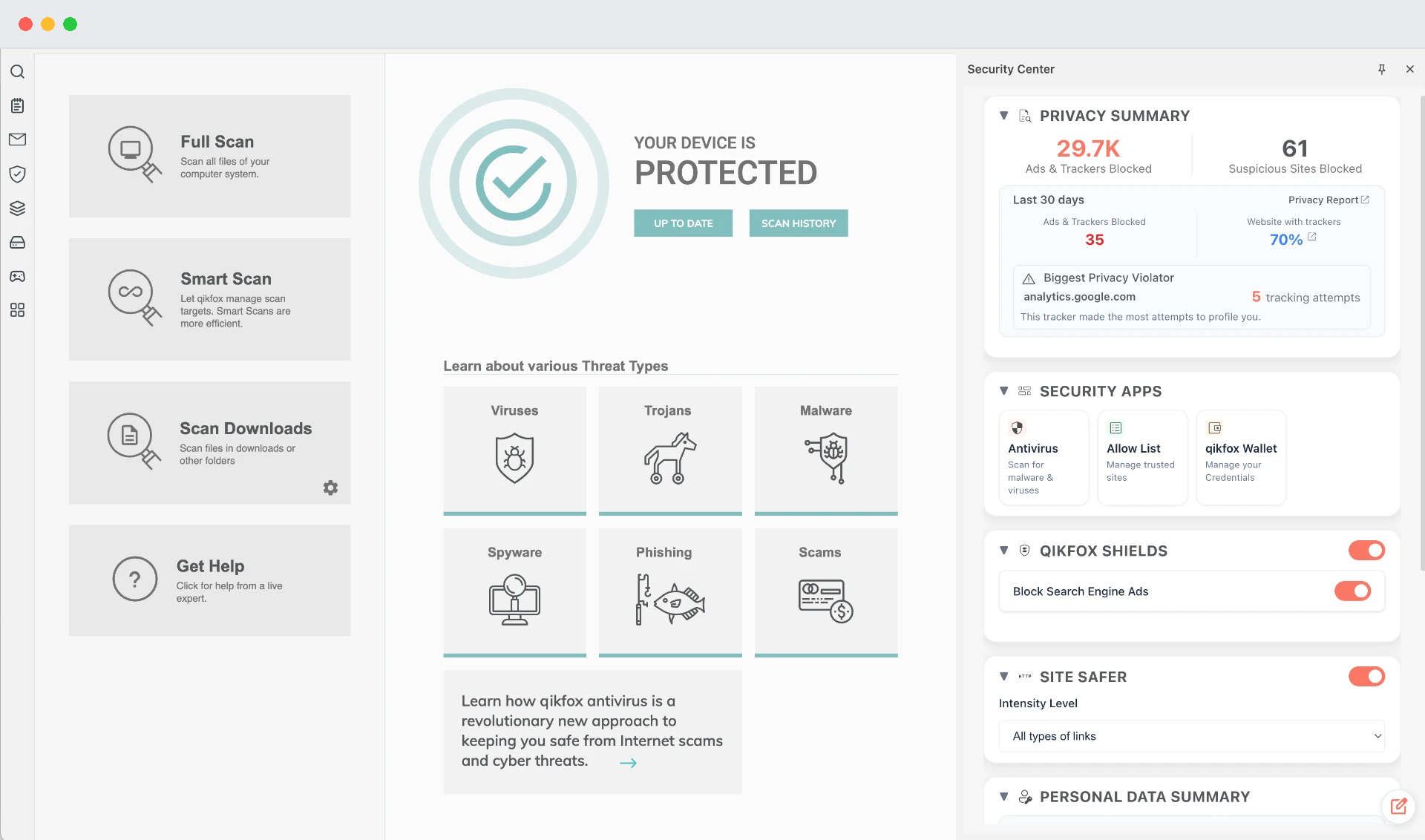
qikfox Antivirus
A safer device.
Even after you close the tab.
Scan your system, review downloads and clear threats. Protection keeps running when the browser is closed.
Windows · macOS · Android
Work with an assistant alongside your webpages.
Get warnings for known-unsafe destinations.
Bring browsing, AI and productivity into one place.
Learn how qikfox AI Browser, coupled with Safe Search, qikfox Antivirus, and VPN work together to safeguard your privacy and provide total protection against modern AI-enabled threats.
Integrated AI agents, skills & tools
Discover and use AI in the place you already browse, shop, research and work. qikfox brings agents, specialized skills and intelligent tools into one connected environment.
AI is part of everyday browsing rather than a separate destination. The browser brings together an AI assistant, support for your own LLM, and access to agents, skills and tools for browsing, shopping, research and work. Feature availability should be confirmed for the release you use.

Help with
the task at hand.
Specialized
ways to do more.
Useful capabilities,
close at hand.
One browser. Everyday possibilities.
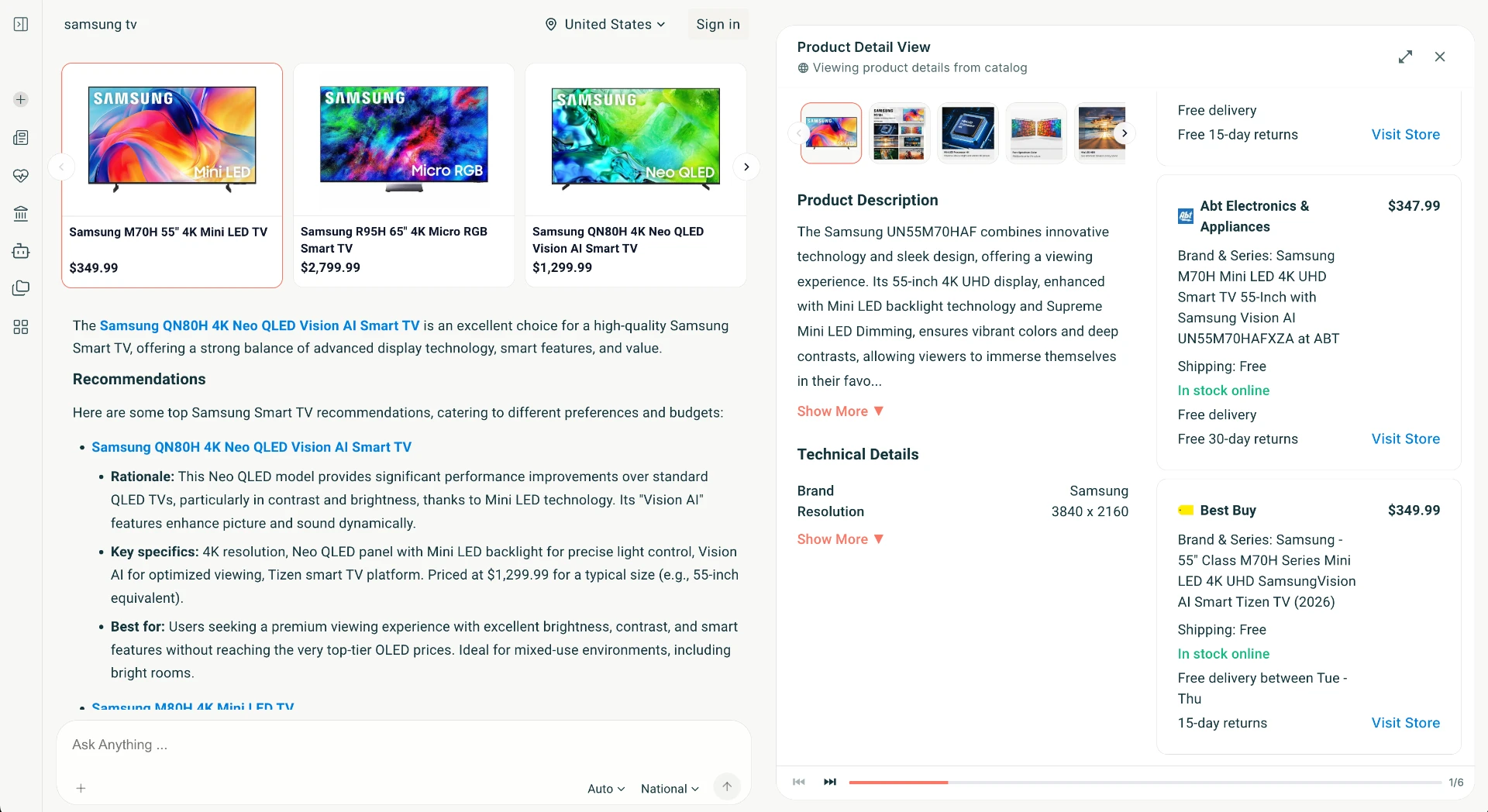
qikfox Search
AI-enabled search with safety checks built into the journey. Find information while qikfox filters unsafe brands, rogue results and malicious ads.
For the files on your device and the connections you use.
qikfox Antivirus
Scan your system, review downloads and clear threats. Protection keeps running when the browser is closed.
Windows · macOS · Android
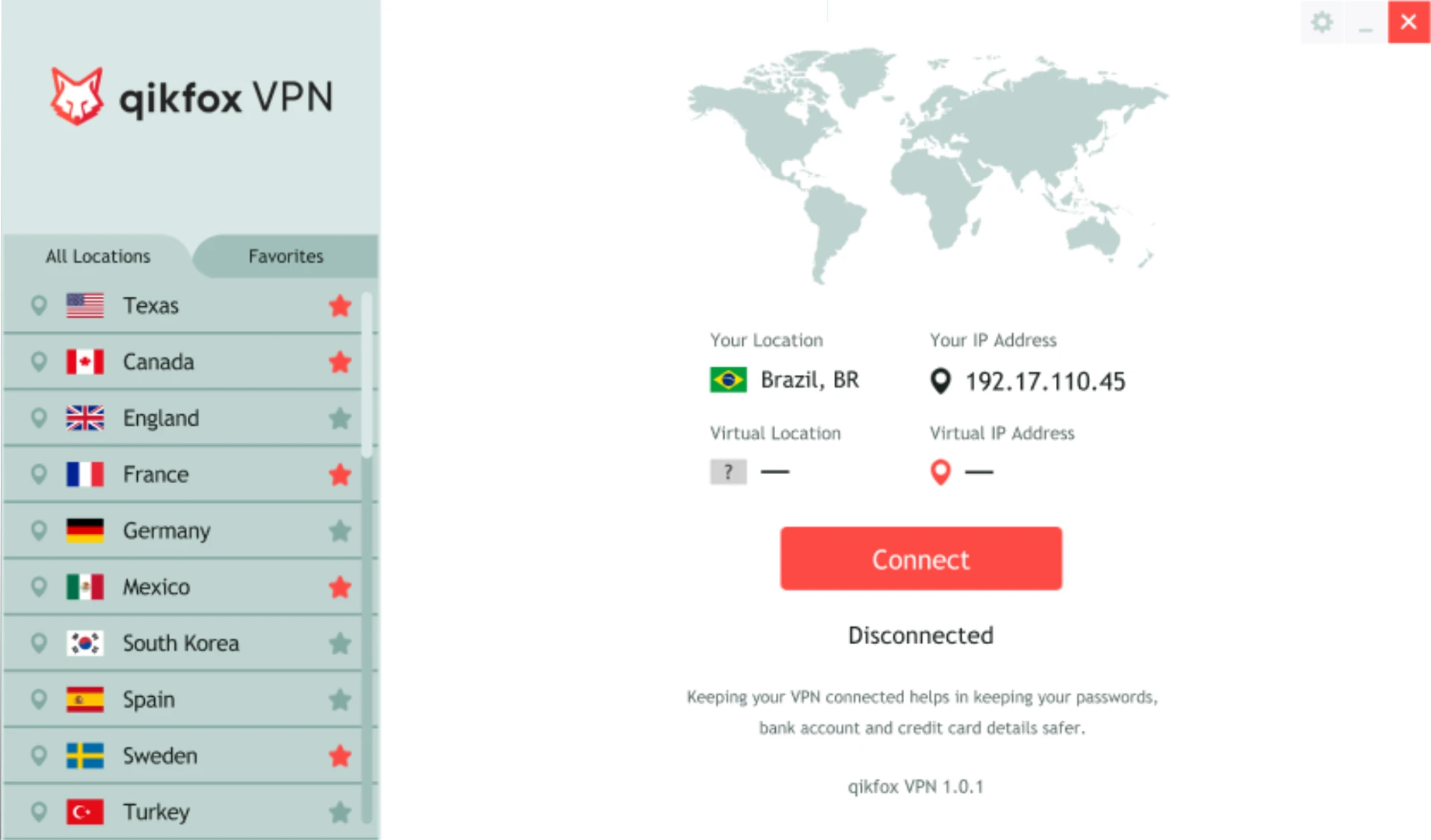
qikfox VPN
Encrypt the link between your device and the Internet, and mask your IP address on networks you do not control.
Windows · macOS · Android · iOS
qikfox Safe Browser
The browser is where most people meet qikfox first. It is a full web browser for desktop and mobile with protection settings that are readable rather than buried.
Known-unsafe destinations are flagged before content is fetched.
When qikfox Antivirus is installed, files are reviewed on arrival.
You can see whether a connection is encrypted and whether qikfox VPN is on.
Safety controls in a single place with plain-language descriptions.
Windows, macOS, Linux, Android and iOS builds from the same product family.
Search safety context appears in the browser you are already using.
Our mission
Six principles guide every qikfox product. They describe the Internet we want people to have, and what we hold ourselves to while building it.
People should be able to publish, read and share without a gatekeeper deciding what reaches them.
What you find should be traceable to a credible source, with context about where it came from.
Software should work for the person using it, not quietly collect from them. We do not build advertising profiles and do not sell personal data.
Protection should be on before you need it, not a setting you discover after something goes wrong.
Email, messaging and voice should be private by default, without asking the person to configure it.
Buying something online should be verifiable, so you know who you are paying before money moves.
From the qikfox journal
Short, practical explanations written for people who are not security specialists.
The checks worth doing before you open a file.
What encrypting your connection changes, and what it leaves untouched.
Release notes and safety notices from the qikfox team.
A few useful answers
Get to know qikfox and how the products fit into your everyday browsing.
Visit the Help Centerqikfox is a company that builds consumer Internet products focused on safety, security and privacy. It currently makes four products: qikfox Search, qikfox Safe Browser, qikfox Antivirus and qikfox VPN.
No. Each product works on its own. Most people start with qikfox Safe Browser, then add Antivirus for device protection or VPN for connection protection depending on what they need.
qikfox Search is a search experience for finding information on the web. qikfox Safe Browser is the application you use to open and read those pages. Search can be used inside the browser, and the browser can be used with other search engines.
qikfox Safe Browser is available for Windows, macOS, Linux, Android and iOS. qikfox VPN covers Windows, macOS, Android and iOS. qikfox Antivirus covers Windows, macOS and Android. qikfox Search runs in any modern browser.
Safety checks, page understanding and assistance are part of the browsing path rather than add-ons. The browser evaluates a destination and its content as you move toward it, so warnings and context arrive before you act instead of after.
qikfox Safe Browser is currently invite-only and free to use during that phase. Antivirus and VPN are paid products, and pricing for each is listed on its own product page.
Each product collects only what it needs to work, and every product page has a privacy section that states this in plain terms. qikfox does not build advertising profiles and does not sell personal data.
Links, downloads and page behavior are assessed against known scam, phishing and malware signals. When something looks unsafe you see a clear warning with the reason, and risky content is blocked before it loads.
Yes. qikfox products install alongside existing software and do not require you to remove what you already use. Many people run qikfox Safe Browser for sensitive tasks such as banking and shopping while keeping another browser for everyday work.
They are built for the qikfox environment, where permissions and safety checks are enforced by the browser. Items are reviewed before they are listed, and every listing states what it can access.
The Resources area covers setup, troubleshooting and security guidance, and the contact page routes questions to support, sales, press and security reporting.
Switch to smarter browsing, useful economical AI, and everyday protection for the AI era.
Windows · macOS · Linux · Android · iOS